

Identifying Misconfigured Security Groups, Unrestricted Traffic, and Public-Facing Endpoints
Imagine securing your office with high-tech surveillance, but accidentally leaving all the doors wide open. Anyone could walk in, access your files, and leave undetected. That’s exactly what happens when AWS security groups are misconfigured, traffic rules are too permissive, and public-facing endpoints are exposed to the internet. Here in this article we are going to discuss about Identifying Misconfigured Security Groups, Unrestricted Traffic, and Public-Facing Endpoints
- 2017: Uber suffered a data breach affecting 57 million users due to an exposed cloud storage endpoint.
- 2019: Capital One’s AWS misconfiguration led to a hacker stealing 106 million customer records.
- 2023: Misconfigured security groups in AWS allowed attackers to bypass firewalls and access sensitive systems.
In this blog, we’ll explore:
✔️ How to detect and test for misconfigured security groups
✔️ How unrestricted traffic leaves AWS resources vulnerable
✔️ How public-facing endpoints expose critical applications
✔️ Real-world attack scenarios and how to prevent them
Testing for Misconfigured Security Groups in AWS
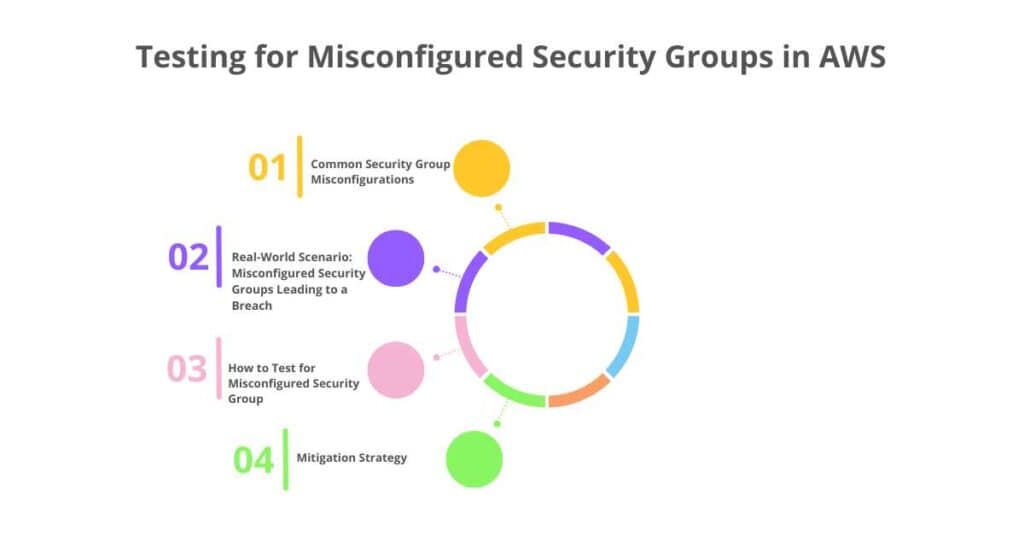
AWS security groups act like firewalls, controlling what traffic is allowed into and out of your cloud resources (EC2 instances, RDS databases, etc.). However, a misconfiguration can leave your infrastructure exposed.
1. Common Security Group Misconfigurations
- Overly Permissive Rules – Allowing anyone on the internet (0.0.0.0/0) to access critical resources.
- Unrestricted SSH/RDP Access – Leaving ports 22 (SSH) or 3389 (RDP) open to everyone.
- Exposed Databases – Opening MySQL (3306), PostgreSQL (5432), or MongoDB (27017) to the public.
- Multiple Open Ports – Leaving unnecessary services like SMB (445), LDAP (389), and NFS (2049) exposed.
2. Real-World Scenario: Misconfigured Security Groups Leading to a Breach
A financial services company mistakenly left an RDS database security group open to the public (0.0.0.0/0). A hacker discovered the exposed database, ran automated tools to brute-force login credentials, and stole sensitive customer data.
3. How to Test for Misconfigured Security Groups
🔹 Review Security Group Rules – Identify overly permissive inbound and outbound rules.
🔹 Check for Open Ports – Verify that sensitive services aren’t exposed to the public.
🔹 Use AWS Trusted Advisor – Flags risky security group settings automatically.
🔹 Monitor Security Group Changes – Enable AWS CloudTrail logs to track modifications.
4. Mitigation Strategy
✅ Restrict access to specific IP addresses instead of 0.0.0.0/0.
✅ Use AWS Systems Manager Session Manager instead of exposing SSH/RDP.
✅ Apply the principle of least privilege when configuring rules.
✅ Regularly audit and update security group settings.
How to Test for Unrestricted Traffic in AWS?
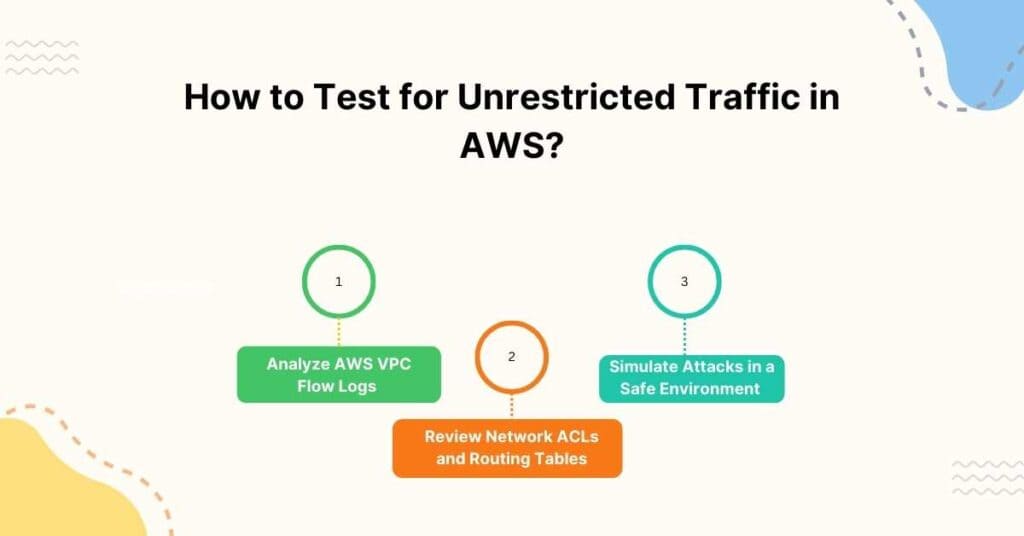
1. Analyze AWS VPC Flow Logs
Identifies abnormal inbound/outbound traffic patterns.
2. Review Network ACLs and Routing Tables
Ensures proper segmentation and traffic control.
3. Simulate Attacks in a Safe Environment
Use penetration testing to check for possible exploits.
Real-World Scenario: Public AWS Endpoint Exploitation
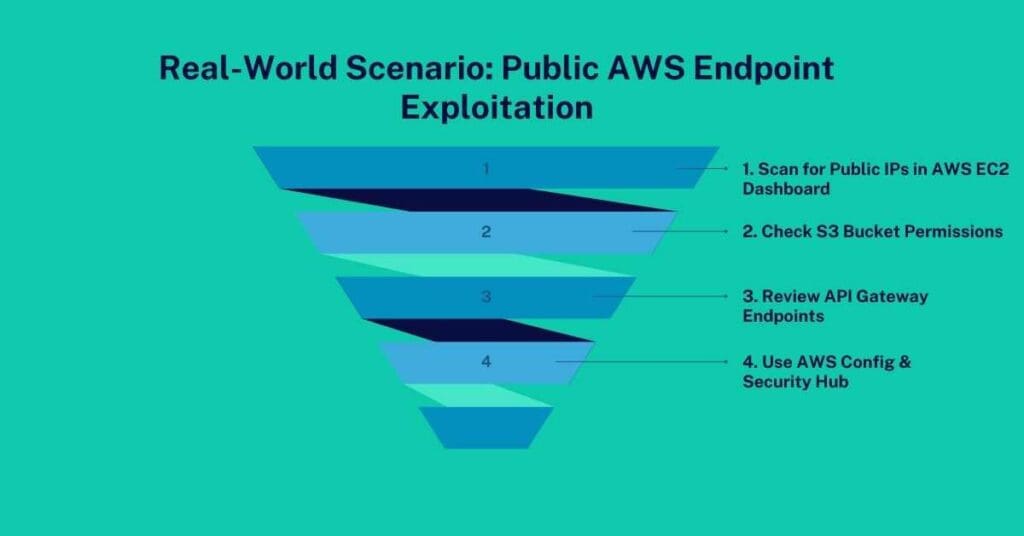
A healthcare company left a publicly accessible API endpoint that wasn’t properly secured. Attackers found a vulnerability in the API and retrieved sensitive patient records without authentication.How to Test for Public-Facing Endpoints:
1. Scan for Public IPs in AWS EC2 Dashboard
Identify exposed instances
2. Check S3 Bucket Permissions
Ensure “Block Public Access” is enabled.
3. Review API Gateway Endpoints
Verify authentication and rate-limiting measures.
4. Use AWS Config & Security Hub
Automatically detects misconfigured public resources.
Conclusion: Locking Down Your AWS Environment
Leaving your AWS security misconfigured is like leaving your house doors wide open—it’s only a matter of time before someone walks in uninvited.
Before attackers find your vulnerabilities, take action today:
✔️ Audit all AWS security groups and restrict overly permissive rules.
✔️ Monitor for unrestricted traffic and implement strict access controls.
✔️ Secure public-facing endpoints to prevent unauthorized access.
✔️ Continuously monitor AWS logs and automate security checks.
