

Latest Azure Cloud Security Checklist
Cloud security has become paramount for organizations leveraging cloud services. Microsoft Azure, one of the leading cloud platforms, offers a robust set of tools and features to help businesses maintain security and compliance.
However, with the increasing complexity of cloud environments, it’s essential to continually assess and enhance security measures. This article outlines a comprehensive Latest Azure Cloud Security Checklist to help organizations bolster their security posture.
Understanding the Importance of Cloud Security
Cloud security encompasses a broad range of policies, technologies, and controls designed to protect data, applications, and infrastructure associated with cloud computing. Given the sensitive nature of data being stored and processed in the cloud, ensuring a strong security posture is crucial for preventing data breaches, ensuring compliance, and maintaining customer trust.
Microsoft Azure provides a shared responsibility model, meaning that while Microsoft secures the underlying infrastructure, customers are responsible for securing their applications and data in the cloud. Therefore, adopting a proactive approach to security practices is critical.
Azure Cloud Security Checklist
Below, we present a comprehensive checklist of security best practices tailored for Microsoft Azure. This checklist covers various aspects of cloud security, including identity and access management, data protection, network security, application security, incident response, and compliance.
Identity and Access Management (IAM)
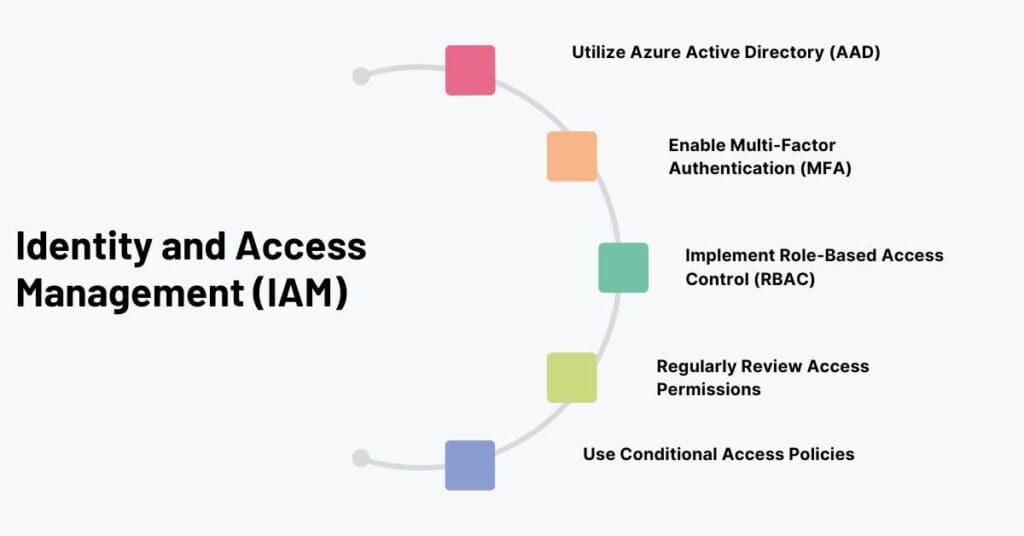
1. Utilize Azure Active Directory (AAD)
Implement Azure AD for identity and access management. Use it to control access to Azure resources and integrate with on-premises directories.
2. Enable Multi-Factor Authentication (MFA)
Require MFA for all user accounts, particularly for administrative roles, to add an extra layer of security.
3. Implement Role-Based Access Control (RBAC)
Ensure users have the least privilege they need to perform their job functions by assigning roles tailored to specific tasks.
4. Regularly Review Access Permissions
Periodically audit user access rights and permissions to ensure they align with current job responsibilities and revoking any unnecessary access.
5. Use Conditional Access Policies
Define conditions under which users can access Azure resources based on factors like location, device health, and compliance status.
Data Protection
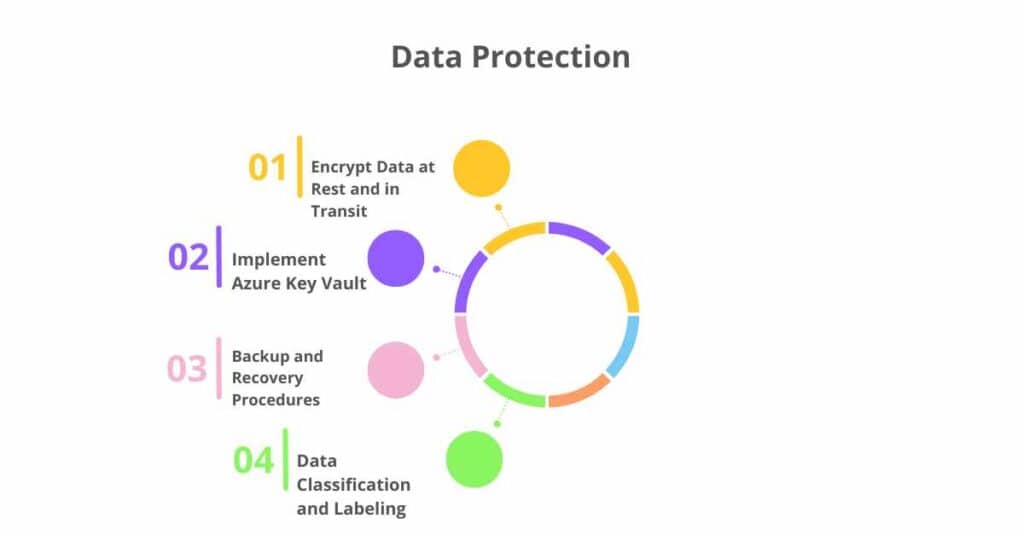
1. Encrypt Data at Rest and in Transit
Use Azure Storage Service Encryption for data at rest and Transport Layer Security (TLS) for data in transit to protect sensitive data.
2. Implement Azure Key Vault
Store and manage sensitive information such as API keys, passwords, and certificates securely in Azure Key Vault.
3. Backup and Recovery Procedures
Regularly back up critical data and implement procedures for data recovery to minimize potential data loss.
4. Data Classification and Labeling
Use Azure Information Protection to classify and label data based on sensitivity and apply appropriate security measures accordingly.
Network Security

1. Use Azure Virtual Network (VNet)
Segregate resources within Azure using VNets to provide logical isolation of workloads.
2. Implement Network Security Groups (NSGs)
Use NSGs to control inbound and outbound traffic to Azure resources, minimizing exposure to the internet.
3. Enable Azure Firewall
Configure Azure Firewall for enhanced network security and traffic monitoring.
4. Use Azure DDoS Protection
Protect applications running in Azure against Distributed Denial of Service (DDoS) attacks by enabling Azure DDoS Protection.
5. Secure Remote Access
Use Azure Bastion for secure and seamless RDP and SSH connectivity to Azure VM instances without exposing them directly to the internet.
Application Security
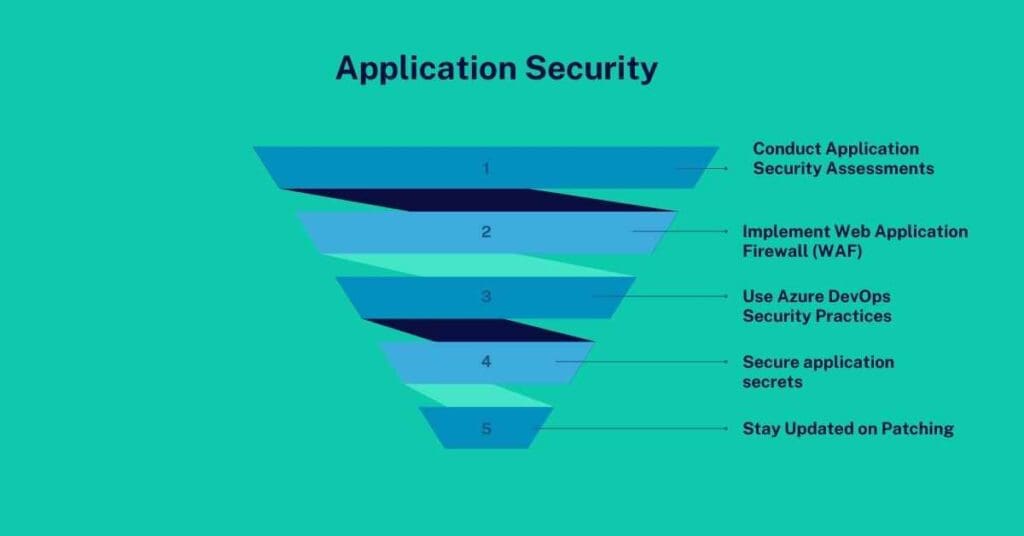
1. Conduct Application Security Assessments
Regularly assess applications for vulnerabilities using tools like Azure Security Center and Azure Application Insights.
2. Implement Web Application Firewall (WAF)
Deploy WAF to protect web applications from common exploits and vulnerabilities.
3. Use Azure DevOps Security Practices
Implement security checks in the CI/CD pipeline, including code analysis and vulnerability scanning.
4. Secure application secrets
Use Azure Key Vault to manage application secrets securely and ensure they are not hardcoded or exposed in code repositories.
5. Stay Updated on Patching
Regularly apply security patches and updates to applications and dependencies in the Azure environment.
Conclusion: Latest Azure Cloud Security Checklist
Implementing a robust security posture in Azure requires a comprehensive understanding of cloud security principles and continual adaptation to emerging threats. By following this Azure Cloud Security Checklist, organizations can create a proactive and layered security strategy that protects their data, applications, and infrastructure.
Regularly reviewing and updating security practices will ensure that the organization remains resilient against evolving cyber threats and compliant with industry standards.
FAQs
1. What is Azure Cloud Security?
Azure Cloud Security refers to the set of policies, technologies, and practices used to protect resources, data, and applications hosted on Microsoft Azure. It encompasses measures to prevent unauthorized access, data breaches, and other security threats.
2. What is the shared responsibility model in Azure?
The shared responsibility model in Azure outlines the division of security obligations between Microsoft and the customer. Microsoft is responsible for the security of the underlying infrastructure, while customers must secure their applications, data, and user access within Azure.
3. How can I secure access to my Azure resources?
Access to Azure resources can be secured using Azure Active Directory for identity management, implementing multi-factor authentication (MFA), employing role-based access control (RBAC), and setting up conditional access policies.
4. What role does Azure Key Vault play in security?
Azure Key Vault is a cloud service that helps securely store and manage secrets, encryption keys, and certificates. By storing sensitive information in Key Vault, organizations can control access and enhance security for applications and services.
5. How can I protect data at rest in Azure?
To protect data at rest in Azure, organizations should enable Azure Storage Service Encryption, which automatically encrypts data before it is stored and decrypts it during retrieval. This ensures that data is protected even if physical storage devices are compromised.
