

Pentesting AWS IAM: Finding and Fixing Identity and Access Management Flaws
Imagine this: A hacker gains access to an IAM user with overly permissive policies in your AWS environment. They escalate privileges, access sensitive data, and move laterally within your cloud infrastructure all without triggering alarms.
Identity and Access Management (IAM) is one of the biggest attack surfaces in AWS. Yet, many businesses overlook IAM misconfigurations, leaving critical resources exposed.
Here in this article we are going to discuss about the Pentesting AWS IAM: Finding and Fixing Identity and Access Management Flaws
So, how do you test IAM security and fix potential risks before attackers exploit them?
In this blog, we’ll cover:
✅ Common IAM misconfigurations attackers exploit
✅ How to test IAM permissions, roles, and policies
✅ Tools and commands for IAM pentesting
✅ Best practices for securing IAM in AWS
Why IAM Security Matters in AWS?
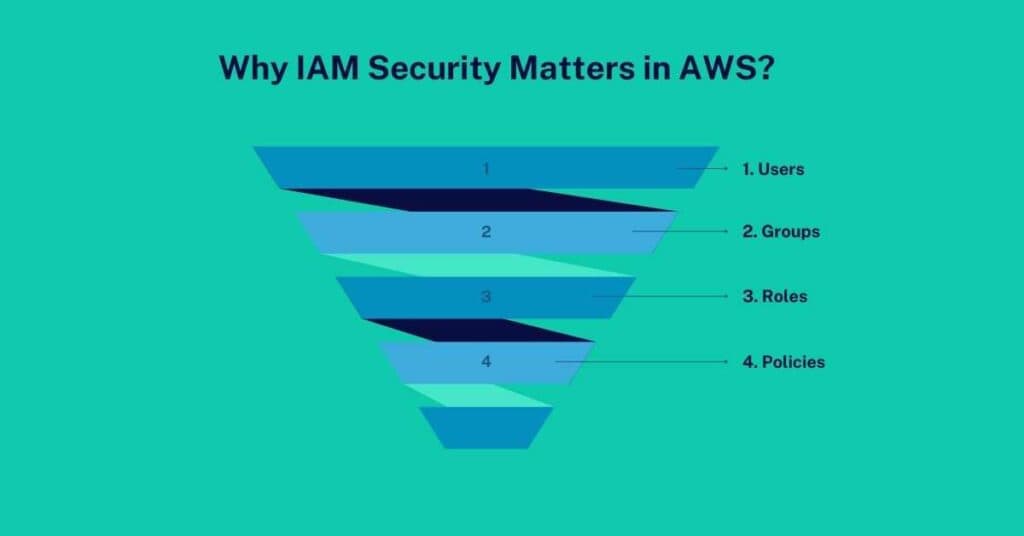
AWS IAM controls who can access what resources in your cloud environment. It defines:
1. Users
Individual accounts with credentials
2. Groups
Collections of users with shared permissions
3. Roles
Identities with temporary access privileges
4. Policies
Rules defining what users/roles can or cannot do
The Problem?
Many organizations make critical mistakes when setting up IAM, such as:
- Granting overly permissive policies (“Allow All” permissions)
- Leaving unused IAM roles active, which attackers can exploit
- Failing to rotate credentials, leading to exposed access keys
- Using weak policies that attackers can abuse for privilege escalation
Real-World Breach Example:
In 2019, Capital One suffered a data breach because of an overly permissive IAM role linked to an EC2 instance. The attacker exploited it to access sensitive customer data.
Common IAM Misconfigurations to Test
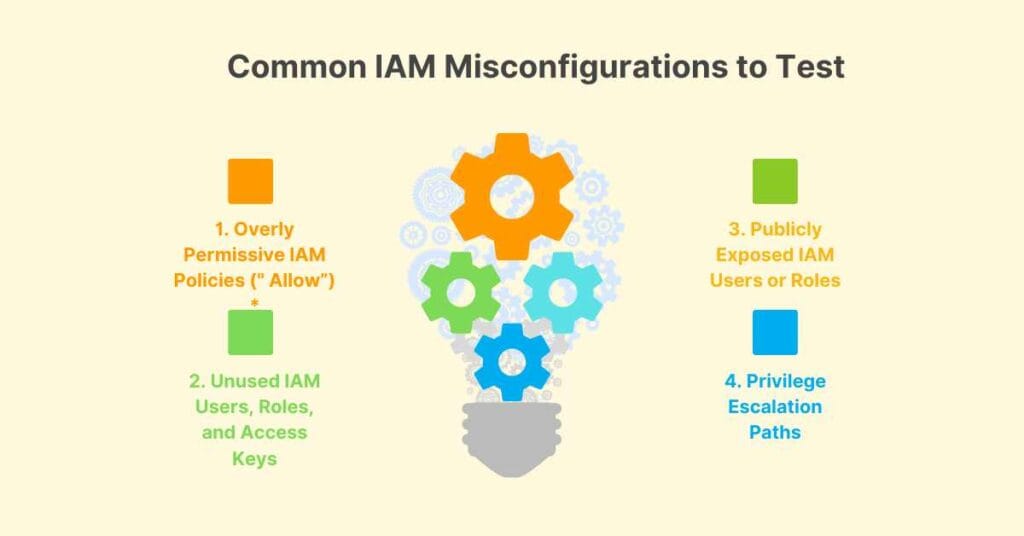
1. Overly Permissive IAM Policies (” Allow”) *
✅ What to Look For:
- Policies that grant full admin access (“Effect”: “Allow”, “Action”: “*”, “Resource”: “*”)
- Users, groups, or roles that have excessive permissions
- Wildcard (*) in actions or resources, which can lead to privilege escalation
2. Unused IAM Users, Roles, and Access Keys
✅ What to Look For:
- IAM users or roles that haven’t been used in months
- Access keys that haven’t been rotated in over 90 days
- Dormant service accounts that attackers can exploit
3. Publicly Exposed IAM Users or Roles
✅ What to Look For:
- IAM roles with trust policies that allow “everyone” (Principal: “*”)
- Users with excessive permissions on cross-account access
- Misconfigured EC2 instance roles that can be exploited for privilege escalation
4. Privilege Escalation Paths
✅ What to Look For:
- IAM policies that allow users to modify their own permissions
- Roles with permission to create new IAM users
- Overly broad iam:PassRole permissions
Tools for IAM Pentesting
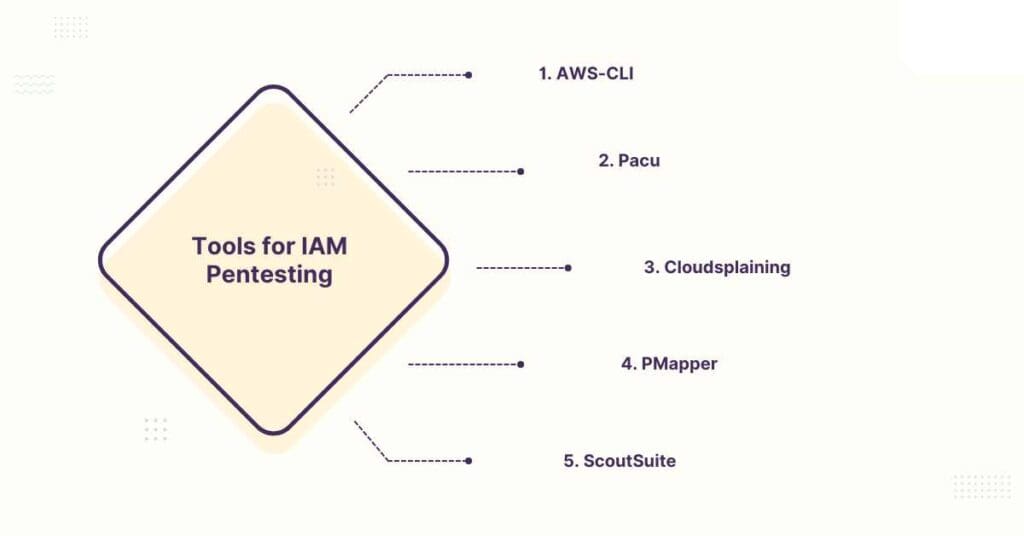
1. AWS-CLI
The primary tool for auditing IAM configurations
2. Pacu
AWS exploitation framework for privilege escalation tests
3. Cloudsplaining
Scans IAM policies for risks
4. PMapper
Visualises IAM role trust relationships
5. ScoutSuite
Multi-cloud security auditing tool
Best Practices for Securing AWS IAM
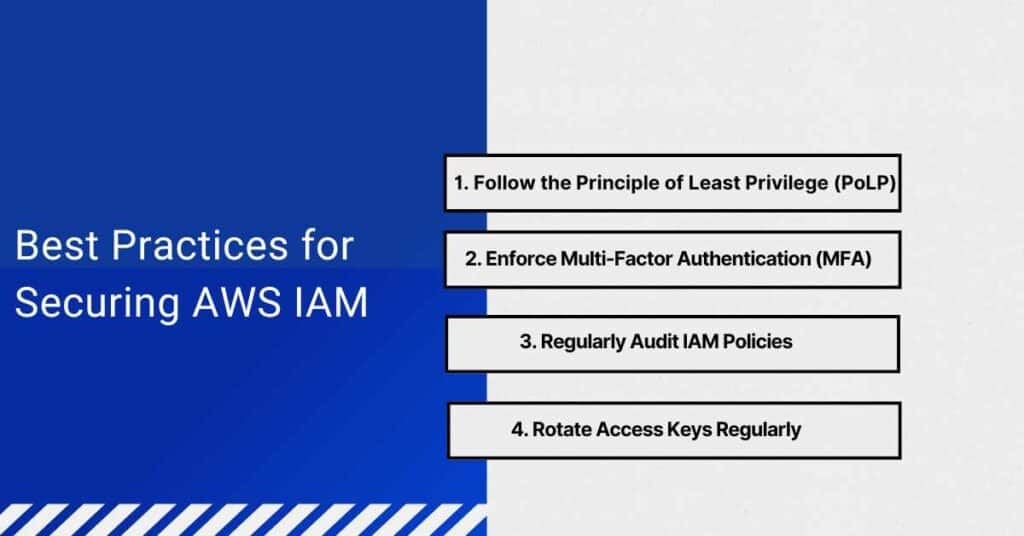
1. Follow the Principle of Least Privilege (PoLP)
Only grant minimum permissions required for each user or role.
2. Enforce Multi-Factor Authentication (MFA)
Prevent unauthorized access.
3. Regularly Audit IAM Policies
Use AWS IAM Access Analyzer to detect excessive permissions.
4. Rotate Access Keys Regularly
Prevent attackers from exploiting leaked credentials.
Conclusion: Pentesting AWS IAM: Finding and Fixing Identity and Access Management Flaws
AWS IAM is the backbone of your cloud security, but misconfigurations can lead to devastating breaches if left unchecked.
By regularly testing for overly permissive policies, unused IAM roles, and privilege escalation paths, you can:
✅ Prevent unauthorized access to sensitive AWS resources
✅ Minimize the risk of privilege escalation attacks
✅ Ensure compliance with security standards (ISO 27001, SOC 2, etc.)
