

Top AWS Vulnerabilities Exploited by Hackers: A Pentester’s Perspective
Your company’s AWS environment is running smoothly. Your development team is pushing new features, your data is securely stored in Amazon S3, and your IAM policies are set up. Everything looks perfect—until one day, a hacker gains access to your cloud environment.
Here in this article we are going to discuss about the Top AWS Vulnerabilities Exploited by Hackers: A Pentester’s Perspective
How did this happen?
Most likely, a misconfiguration or overly permissive access control gave the attacker an entry point. Over 90% of AWS security breaches happen due to customer misconfigurations, not AWS’s infrastructure.
So, let’s break it down. In this blog, we’ll analyse real-world AWS vulnerabilities, how attackers exploit them, and—most importantly—how to prevent them.
By the end, you’ll see why AWS pentesting is necessary for any business using cloud infrastructure.
Top AWS Vulnerabilities Exploited by Hackers: A Pentester’s Perspective
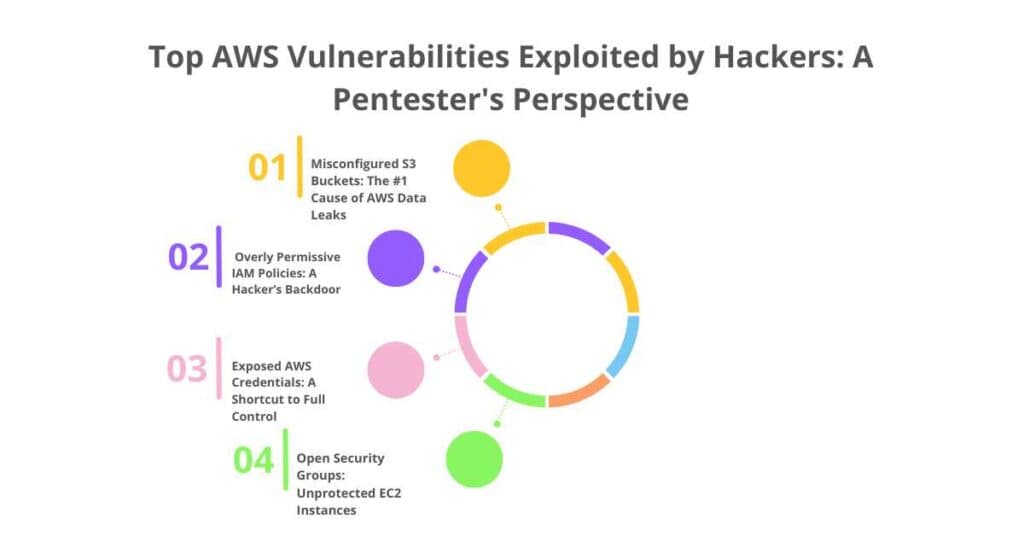
1️ Misconfigured S3 Buckets: The #1 Cause of AWS Data Leaks
The Attack:
S3 (Simple Storage Service) buckets are one of the most commonly misconfigured AWS resources. Many companies assume their data is private by default, but in reality, unless correctly configured, S3 buckets can be exposed to the entire internet.
Attackers scan for public S3 buckets using tools like:
🔹 AWS CLI: aws s3 ls s3://[bucket-name] –no-sign-request
🔹 S3Scanner: A tool that checks for open S3 buckets.
Once they find an exposed bucket, they can:
- Steal sensitive data (customer information, internal documents, etc.).
- Inject malware or ransomware into public assets.
- Use the bucket for phishing attacks or storing illegal content.
Real-World Breach: Facebook’s 540M User Records Leak
In 2019, 540 million Facebook user records were exposed due to a public S3 bucket. The data included user IDs, passwords, and private messages.
How to Prevent It?
- Block public access by default: aws s3api put-public-access-block –bucket my-bucket –public-access-block-configuration BlockPublicAcls=true
- Enable bucket encryption using AWS Key Management Service (KMS).
- Use AWS Config rules to detect misconfigured S3 buckets.
2️ Overly Permissive IAM Policies: A Hacker’s Backdoor
The Attack:
IAM (Identity and Access Management) controls who can do what in your AWS environment. However, many businesses assign excessive permissions to IAM users and roles.
Example: A developer is given AdministratorAccess to troubleshoot an issue, and never loses it. Months later, an attacker steals the developer’s credentials and gains full control over the AWS environment.
Attackers hunt for overly permissive IAM roles using:
🔹 AWS CLI: aws iam list-policies– scope Local
🔹 Pacu (AWS exploitation tool): enumerate_iam module
Real-World Breach: Capital One’s $80M IAM Misconfiguration Mistake
In 2019, a former AWS engineer exploited an overly permissive IAM role to gain access to over 100 million Capital One customer records. The company was fined $80 million for failing to secure its cloud environment.
How to Prevent It?
- Apply the principle of least privilege (PoLP)—only give users the permissions they need.
- Use AWS IAM Access Analyser to detect overly permissive policies.
- Implement multi-factor authentication (MFA) for all IAM users.
3️ Exposed AWS Credentials: A Shortcut to Full Control
The Attack:
AWS credentials (access keys, secret keys, and session tokens) should be stored securely, but many companies accidentally expose them in GitHub repositories, Slack messages, or logs.
Attackers use tools like:
🔹 GitHub Dorks: Searching GitHub for leaked credentials (filename: .aws/credentials key_id)
🔹 TruffleHog: A tool that scans repositories for AWS keys.
Once they have AWS keys, attackers use them to:
- Access S3 buckets, EC2 instances, and databases.
- Create new IAM users and maintain persistent access.
- Exfiltrate sensitive data without being detected.
Real-World Breach: Uber’s Hardcoded AWS Keys Incident
In 2016, Uber accidentally exposed AWS credentials in a public GitHub repository, leading to a breach affecting 57 million users.
How to Prevent It?
- Never hardcode AWS credentials in source code—use AWS Secrets Manager instead.
- Enable AWS CloudTrail to monitor access key usage.
- Rotate AWS keys regularly to minimise risk.
4️ Open Security Groups: Unprotected EC2 Instances
The Attack:
AWS Security Groups act as firewalls for EC2 instances. However, some companies misconfigure them, leaving SSH (port 22) and RDP (port 3389) open to the entire internet.
Attackers scan for open ports using:
🔹 Nmap: nmap -p 22,3389 [AWS IP Range]
🔹 Shodan: A search engine for exposed AWS assets.
Once they find an open port, they attempt brute-force attacks to gain access.
Real-World Breach: Cryptojacking Attack on Tesla’s AWS Account
Tesla’s AWS environment was compromised in 2018 after hackers found an exposed Kubernetes dashboard with no password protection. They used Tesla’s cloud infrastructure to mine cryptocurrency.
How to Prevent It?
- Restrict inbound traffic using security groups (aws ec2 authorize-security-group-ingress –group-id sg-12345 –protocol tcp –port 22 –cidr YOUR_IP/32).
- Use AWS Web Application Firewall (WAF) to prevent brute-force attacks.
- Enable AWS GuardDuty to detect unauthorised access attempts.
How Pentesters Find These Vulnerabilities?
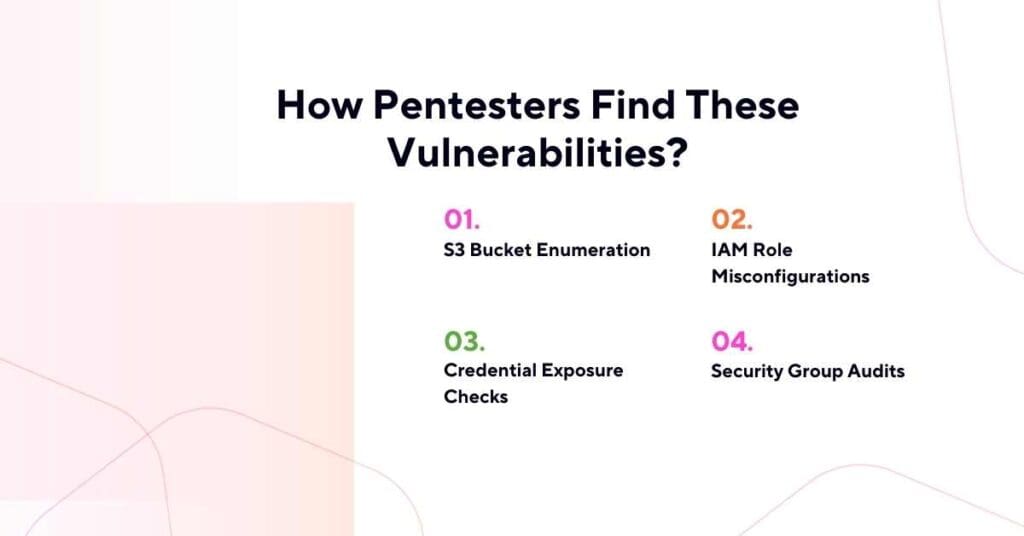
1. S3 Bucket Enumeration
Using AWS CLI and tools like S3Scanner.
2. IAM Role Misconfigurations
Testing for overly permissive policies with enumerate_iam.
3. Credential Exposure Checks
Scanning code repositories for leaked AWS keys.
4. Security Group Audits
Checking for open ports and weak firewall rules.
Next Steps: Understanding AWS Pentesting Guidelines
Before running pentests in AWS, businesses must follow AWS policies and obtain permissions.
Conclusion
- 90% of cloud breaches are due to misconfigurations, not AWS infrastructure flaws.
- AWS pentesting helps businesses uncover security risks before hackers do.
- Regular security assessments protect data, ensure compliance, and prevent breaches.
